
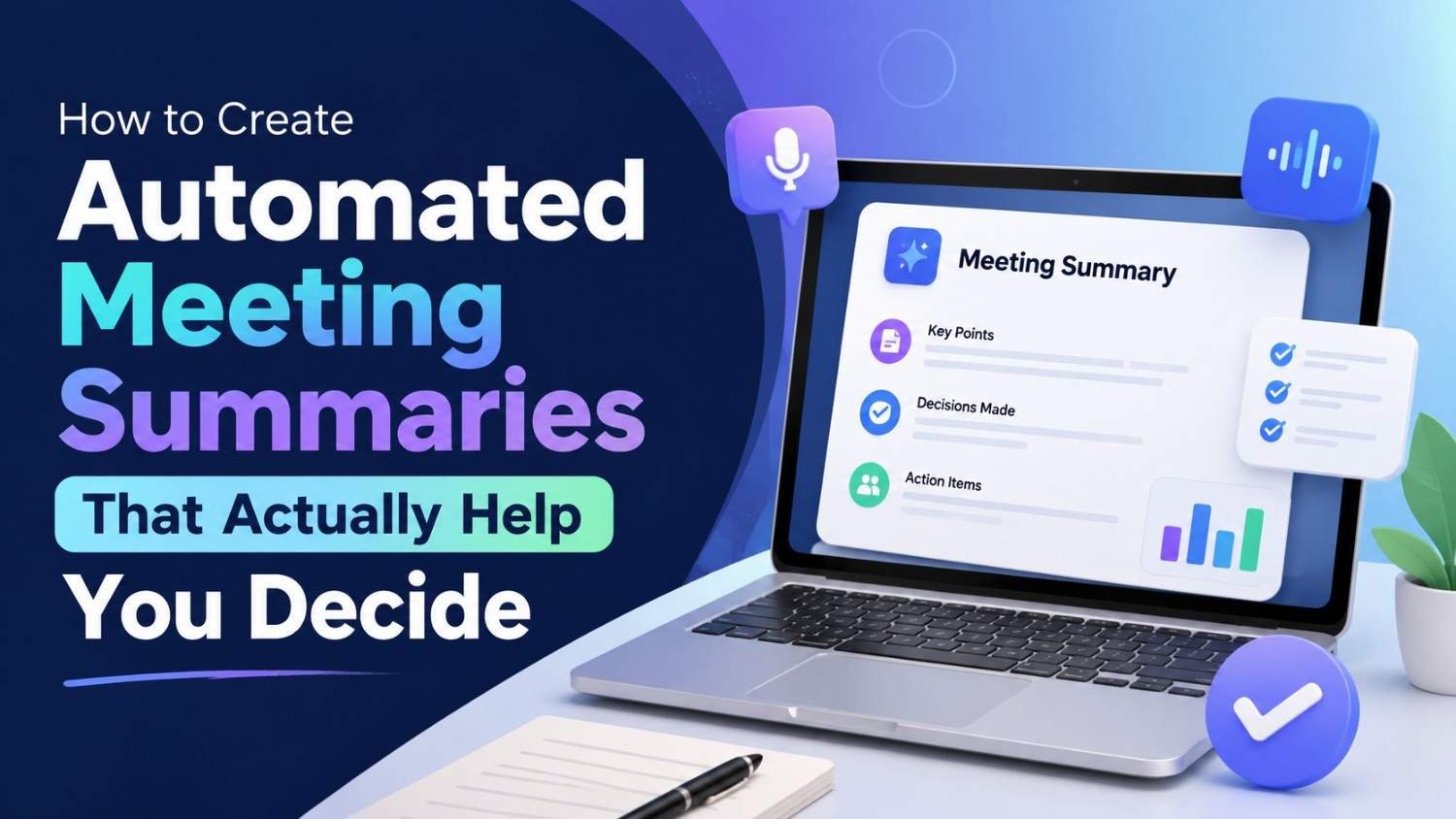
Meetings are supposed to move work forward, but the actual value of a meeting can disappear real fast when nobody remembers what was decided exactly. Long recordings and messy notes may have a lot of information in there, however they don’t always say what should happen next. Employees end up spending extra hours rewriting, double checking notes , finding action items, naming responsibilities, and hunting down that one important decision. Automated meeting summaries can lower that admin time, but just telling AI “summarize the meeting” is usually not enough.
The real point is not to make shorter meeting notes. It’s to produce a practical decision document that makes clear what was discussed, what was agreed, why that call happened, who owns the next step, and what is still hanging unresolved. With the right workflow, AI can take a transcript and turn it into a structured recap that helps the team move quicker. This guide goes over how to build AI meeting summaries that are tight, decision oriented, easy to verify, and still useful even after the meeting is, kind of, over .
Why Traditional Meeting Notes Often Fail
Traditional meeting notes often end up talking about what people said, more than what the organization actually needs to do. Someone can jot down a few paragraphs that basically spell out the conversation , but the end result still leaves those key things kind of floating in air. Like what was really decided or even acknowledged. Who owns the action item, not just who spoke. When is it due , and under what timing. Which risks are still there, just not resolved. And what information is still missing, or maybe not even known yet. So that’s why producing a transcript, or a generic recap, doesn’t really fix the situation. A good meeting summary should lower uncertainty, not turn into yet another document that folks need to decipher and guess at later.
What Makes a Meeting Summary Actually Useful?
A strong summary should answer five practical questions:
- What was discussed?
- What was decided?
- Why was it decided?
- Who needs to do what?
- What happens next?
These questions transform a summary from passive documentation into an execution tool.
The best AI Meeting Notes are therefore structured around decisions and actions rather than trying to capture every sentence spoken during the meeting.
1. Start With a Clear Meeting Objective
The quality of an automated summary starts kind of before the meeting even starts. Like, if the meeting has no clear purpose then the AI is going to have a hard time figuring out which parts of the talk really matter. Before you actually meet, define the objective in one or two sentences. For instance, instead of saying “Discuss marketing,” try “Decide which two customer segments should receive the next campaign budget.”
This gives the AI and the participants a clear reference point. Also, when there is a defined objective it becomes easier to separate the useful discussion from, the side conversations that do not really move anything forward
2. Record or Transcribe the Meeting
An AI summary normally needs a dependable source of information. Depending on your meeting platform, that might be a transcript, a recording, live transcription, or even notes entered during the session. The transcription does not have to turn into the final document at all.
Its real job is to provide the raw material so the AI can spot decisions , action items, open questions, and important context. Before recording meetings, make sure your organization follows the relevant consent, privacy, employment, and data-handling requirements.
3. Don’t Ask AI to “Summarize Everything”
This is one of the most important improvements you can make, really. A generic prompt like “Summarize this meeting” might create a long overview that sounds polished , but it does not actually help people decide. Rather than that, you want to hand the AI a defined output structure , so that it can produce something actionable.
For example, instruct the system to identify:
- Key decisions.
- Supporting reasoning.
- Action items.
- Responsible people.
- Deadlines.
- Open questions.
- Risks.
- Dependencies.
- Follow-up meetings.
This produces a much more useful Meeting Summary Automation workflow.
4. Separate Decisions From Discussion
Not all the things that get said in a meeting really deserve the same importance, even if it feels a bit “even” in the moment. Like a team may put 30 minutes into chewing over multiple options and then, in the end, just pick one path. The write up should not give each argument the same weight. Rather, it should separate what was discussed from what actually became the final decision, even if those parts seem close together.
For example:
Decision: The team will launch the new pricing page in September.
Reason: The selected approach requires fewer engineering changes and can be tested before the next product release.
Action: The product manager will approve the final copy by Friday.
This format allows someone who missed the meeting to understand the outcome within seconds.
5. Capture the Reason Behind Each Decision
A decision without much context can turn confusing later on. Imagine a team decides to delay a product launch, and then Six weeks pass. A new employee shows up by then and sees “delay launch” on paper, but they have no clue why it was made in the first place. A really good summary should capture the key reasoning and not just the headline, even if the explanation sounds a bit plain.
You do not need to replay the full debate, or list every side comment. Instead it should give a concise account of the factors that guided the choice. That way it becomes a useful trail for history, and it also reduces the urge to rehash old conversations every time someone new joins.
6. Turn Conversations Into Action Items
One big advantage of AI action item extraction is that it can spot commitments hiding inside what people casually say in natural conversation, as if they were small aside, but they still count.
People often say things such as:
“I’ll send the revised proposal tomorrow.”
“I think Sarah should check the numbers.”
“Let’s have the design ready before the client call.”
These statements can easily disappear inside a transcript.
AI can identify them and convert them into structured tasks.
A useful action-item format includes:
| Action | Owner | Deadline | Status |
| Send revised proposal | Alex | Friday | Open |
| Review financial figures | Sarah | Thursday | Open |
| Prepare design draft | Design team | Before client call | Open |
The important part is, that the AI should not invent missing information. If no deadline was discussed, the summary should say “Deadline not specified” rather than guessing one.
7. Distinguish Confirmed Decisions From Suggestions,
Meetings often contain statements that sound like decisions and yet, they are more like suggestions instead.
For example:
“We could launch next Monday.”
That is not necessarily the same as:
“We will launch next Monday.”
AI needs to understand this distinction.
A reliable summary should classify statements as:
- Confirmed decision.
- Proposed option.
- Pending decision.
- Open question.
- Informational update.
This prevents tentative ideas from accidentally becoming official commitments.
8. Identify Open Questions
Not every meeting wraps up with total clarity. A couple issues tend to stay unresolved, mostly because the team needs a bit more information, and not in a vague way either. They should be written down explicitly, like what exactly is still open, and where the missing detail is coming from, so everyone knows what to chase next.
For example:
Open question: Which supplier offers the lowest total cost after shipping?
Required next step: Procurement team to compare final quotations.
This is more useful than simply writing, “The team discussed suppliers.”
A good summary makes uncertainty visible rather than hiding it.
9. Use a Decision-First Summary Structure
A practical automated summary can follow this structure:
Meeting Objective
One or two sentences explaining why the meeting took place.
Executive Summary
Three to five sentences covering the most important outcomes.
Decisions Made
List only confirmed decisions and their essential reasoning.
Action Items
Include owner, task, and deadline where available.
Open Questions
Identify unresolved issues that require additional information.
Risks and Dependencies
Highlight factors that could affect execution.
Next Steps
Explain what happens immediately after the meeting.
This format is significantly more useful than a chronological transcript.
10. Customize Summaries for Different Teams
A single summary format does not have to work for every department.
A sales meeting might prioritize:
- Customer requirements.
- Buying signals.
- Objections.
- Follow-up tasks.
- Deal stage.
A product meeting might focus on:
- Product decisions.
- Feature priorities.
- Technical dependencies.
- Release dates.
- Open questions.
A leadership meeting may emphasize:
- Strategic decisions.
- Financial implications.
- Risks.
- Ownership.
- Organizational priorities.
Customization makes automated meeting notes for teams much more valuable.
11. Connect Summaries to Your Existing Workflow
A meeting summary gets way more useful once it doesn’t just stay inside an AI app, or whatever you were using. Those action items can maybe be shuttled over into a project management system, calendar, task manager, CRM, or even a group messaging place.
For example:
Meeting ends → transcript created → AI extracts action items → human reviews → approved tasks created → owners receive notifications.
This kind of setup makes a full automated meeting follow-up flow, like end to end, and it’s meant to cut down the number of manual steps between “we agreed to do something” and “someone actually starts doing it”, you know, the whole “now what” part.
12. Keep a Human Approval Step
Automation should back up accountability, not quietly remove it. Before crucial information turns into a formal record, the participant ought to glance at the summary once, just to be sure.
This is particularly important for:
- Financial decisions.
- Legal discussions.
- Client commitments.
- Employee-related matters.
- Strategic decisions.
- Sensitive information.
A person can quickly fix a wrongly identified speaker, a missed deadline, or a decision that got mixed up. This small check step, can really boost reliability by a lot.
13. Protect Sensitive Meeting Information
Meeting transcripts can carry confidential business information, customer particulars, employee conversations , financial figures or even strategic blueprints. Before you start the automation thing, you should get a clear sense of how the tools you picked handle and store what’s inside, because that processing can vary .
Consider:
- Where transcripts are stored.
- Who can access summaries.
- Whether data is used for model training.
- How long recordings are retained.
- Whether third-party integrations receive the information.
- What security controls are available.
Privacy should be part of the workflow design rather than an afterthought.
14. Measure Whether the Automation Is Actually Helping
Don’t judge your system just because it can spit out appealing summaries. See if it actually helps business results,not only looks good.
Useful metrics include:
- Time spent preparing notes.
- Percentage of action items with assigned owners.
- Percentage of action items completed on time.
- Number of decisions revisited due to unclear documentation.
- Average time required to review a summary.
- Employee satisfaction with meeting documentation.
For example, if the automated setup saves about 30 minutes on note taking but then causes some mess,like unclear responsibilities, it probably needs to be fixed a bit.
15. Use a Simple Pilot Before Scaling
You don’t really need to automate every meeting right away. just start with a single recurring meeting type, or whatever you want to call it. Like, take a weekly project meeting, and run the workflow for four weeks. During that pilot period , compare the AI-generated recap with the actual meeting recording or the transcript, and see how close it is . If things feel a little off, tweak it, then keep going.
Look for recurring problems such as:
- Incorrect decisions.
- Missing action items.
- Incorrect ownership.
- Excessive detail.
- Missing context.
- Confusion between suggestions and commitments.
Fix these issues before expanding the system to other departments.
The Ideal Automated Meeting Workflow
A mature workflow can look like this:
Meeting → Recording/Transcript → AI Analysis → Decision Extraction → Action Items → Human Review → Task Creation → Follow-Up
Each stage has a clear purpose but it’s not just that, the transcript provides evidence, and then the AI organizes the information. After that the human, verifies accuracy, sort of making sure nothing weird slipped in, and the workflow turns those decisions into execution. Honestly this approach feels way more powerful than only generating meeting notes, or even trying to just “summarize” everything in one go.
Common Mistakes to Avoid
Making Every Summary Too Long
More information does not automatically mean more value. Prioritize decisions, actions, risks, and unresolved issues.
Treating AI Output as Perfect
Always verify important decisions, names, deadlines, and commitments.
Automatically Creating Tasks Without Review
Incorrectly generated tasks can create confusion and reduce trust in the system.
Ignoring Context
A decision without its reasoning may become difficult to understand later.
Forgetting Meeting Privacy
Make sure participants and the organization understand how recordings and transcripts are handled.
A Practical Template You Can Reuse
For everyday business meetings, this simple format works well:
Meeting Purpose:
Why was this meeting held?
Key Outcome:
What is the most important result?
Decisions Made:
What was officially agreed?
Why:
What reasoning supported those decisions?
Action Items:
Who will do what and by when?
Open Questions:
What still needs to be resolved?
Risks/Dependencies:
What could delay or prevent execution?
Next Meeting or Checkpoint:
When and how will progress be reviewed?
This structure keeps the focus on decisions rather than documentation for its own sake.
Why Decision-Focused Summaries Are the Future of Meeting Documentation
The real worth of AI meeting tech isn’t transcription. Transcription, well, mostly just builds a searchable slice of what people said, and not more than that. The larger opening is taking the conversation and turning it into structured organizational knowledge. If the system is designed properly it can help the team see what happened, what got decided, why it actually matters, and what has to happen next. In that way meetings become more actionable , and there is less institutional knowledge stuck inside individual employees , like it’s just living in their memories.
Conclusion
Building useful Automated Meeting Summaries is way more than telling an AI tool to shorten a transcript. The best path emphasizes decisions, reasoning, action items, who owns what, deadlines, risks, and the unresolved questions that still linger. A good Meeting Summary Automation workflow can convert talk into dependable records you can act on while cutting down the extra administrative load on employees. Still accuracy privacy, and human review are nonnegotiable, particularly when the discussion is sensitive or high impact.
Start with one recurring meeting, set up a steady summary format, track what happens after, and slowly connect the approved action items to the tools you already use. If you do it with care, AI can shift meetings from being conversations that fade fast into trusted sources for decisions and follow through.
Frequently Asked Questions
1. What should an automated meeting summary include?
It should normally include the meeting objective, key decisions, reasoning, action items, owners, deadlines, open questions, risks, and next steps.
2. Can AI automatically identify meeting action items?
Yes. AI can analyze transcripts and identify tasks, but important action items should be reviewed by a human before becoming official commitments.
3. How can I make AI meeting summaries more accurate?
Use a structured prompt, clearly separate decisions from suggestions, instruct AI not to invent missing information, and review important summaries before distribution.
4. Are automated meeting summaries secure?
Security depends on the tool and configuration. Organizations should review data storage, access controls, retention policies, integrations, and how meeting data is processed.
5. What is the biggest benefit of AI meeting notes?
The biggest benefit is turning lengthy conversations into concise, actionable information so people can quickly understand decisions and follow through on responsibilities.








Leave a Reply