
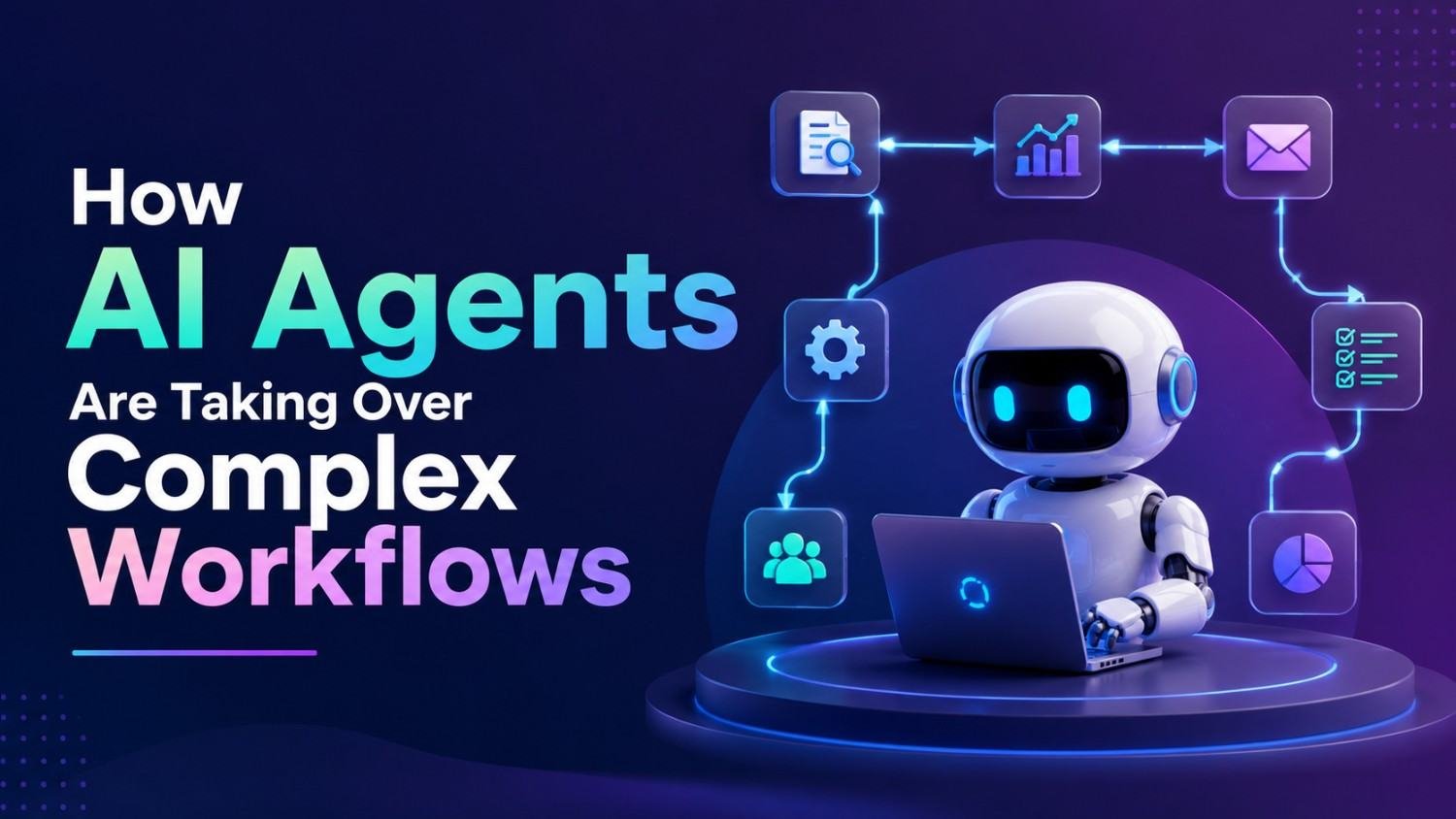
Businesses have spent years trying to automate the same repetitive stuff, but classic automation is usually built on rules that are pretty fixed. If even a small thing changes, the whole workflow might need to be edited by hand, or at least tweaked in a not so nice way. Modern AI agents are starting to flip that approach, because they mix artificial intelligence with planning, reasoning, memory, tool usage, and decision making. Instead of just answering one request, an agent can sort of work through multiple steps, aiming for a specific goal, and yeah it keeps going.
This shift brings a different style of AI workflow automation, where software can manage more complicated processes with less human involvement. An AI agent might gather background info, arrange it, pick the next move, open another app or tool, verify what happened, and then repeat until the job is done. For companies in customer service, sales, research, operations, coding, finance, or internal administration, that could convert older manual workflows into systems that are partly automated, or even mostly automated depending on the case.
What Is an AI Agent?
An AI agent is basically a software system that can perceive info, sort of reason about a target, then take actions with the tools it has, and tune its behavior depending on what happens next. A traditional chatbot might just answer the question and then stop, like it’s done. But an AI agent can get a much bigger objective, for instance organizing customer leads, and then figure out the separate steps that are needed, to actually finish the thing.
A typical agent workflow may involve:
- Understanding the user’s objective.
- Breaking the objective into smaller tasks.
- Gathering relevant information.
- Selecting appropriate tools.
- Taking actions.
- Checking the results.
That’s why autonomous AI systems are extra interesting for workflows where multiple connected tasks are required , and each part kind of depends on the last.
How AI Agents Differ From Traditional Automation
Traditional automation works pretty well when a process is predictable. For example, a company might set a rule that automatically sends an email whenever a customer completes a specific form. The process is straightforward, trigger, action, completion. AI agents can operate a bit differently. Rather than only following predetermined instructions, an agent can interpret context and decide what should happen next, kind of like it has situational awareness or something.
Take a sales workflow. A traditional system might automatically send the same email to every new lead. An agent could instead look over the lead’s details, identify relevant traits, research available info, craft a personalized note, update a CRM, and suggest a follow-up step. So it’s not just automation vs AI. It’s the ability to manage more variable and context-dependent processes, even when things do not follow the exact same pattern every time.
Why complex workflows are becoming easier to automate
Lots of business processes include dozens of tiny decisions. An employee may have to open several applications, compare information, figure out which option really applies, update records, coordinate with another team, and then confirm whether the task was completed correctly. Each part on its own seems easy. Together though, they can eat up hours, and nobody notices until later.
Intelligent process automation tries to tie these actions together with AI-driven decision-making. Instead of making employees manually coordinate every step, an agent can potentially handle portions of the workflow while humans stay in charge of the most important decisions. This tends to be especially helpful when the work is repetitive but still has enough variation that classic rule-based automation becomes awkward to update or maintain, over time.
1. AI Agents Can Break Large Tasks Into Smaller Steps
One of the most important capabilities for an AI agent is that task decomposition thing, you know. A broad instruction like “prepare a competitor analysis” doesn’t really spell out all the individual steps. The system may need to figure out what kind of information should be collected, which sources should be reviewed, how everything should be arranged, and also how the final report is presented. So the agent can potentially turn that broad objective into a sequence of smaller tasks, piece by piece. That’s why AI task orchestration can be useful for workflows that before required employees to manually coordinate multiple activities, back and forth, with all that extra fuss.
2. AI Agents Can Use Multiple Tools
An agent becomes considerably more useful when it can interact with external tools.
Depending on its permissions and architecture, an agent may be connected to applications such as:
- CRM platforms.
- Project management systems.
- Databases.
- Email systems.
- Internal knowledge bases.
- Spreadsheets.
- Search tools.
- Communication platforms.
- Software development environments.
Instead of just generating text, the agent can draw on information from these systems and, if it’s allowed, carry out approved actions. this is one reason why AI agents in business operations are getting a lot of attention right now.
3. AI Agents can manage customer support workflows
Customer service is one of the places where AI agents can potentially bring real value. A basic chatbot might just answer commonly asked questions. a more capable agent can potentially figure out what a customer is dealing with, pull up account details, check order status, find relevant policies, suggest a fix or workaround, and escalate the case when a human needs to step in.
The key difference is that the agent is not merely producing a response. It is involved in a larger, process oriented workflow. Then human agents can focus on those difficult situations that need judgment, emotional sensitivity, negotiation, or special exceptions.
4. AI Agents Can reshape sales operations
Sales teams usually spend a surprising amount of time researching leads, updating CRM records, drafting follow up notes, and assembling meeting context. An AI agent can potentially automate parts of this process. For instance, a workflow might start when a new lead shows up in the CRM. The agent could classify the lead, collect only approved information, build a short research brief, suggest an outreach message, and arrange an approved follow up.
That opens up opportunities for AI driven sales workflow automation without automatically removing sales professionals from the loop. Instead, the technology can cut down administrative burden, so salespeople spend more time on actual conversations, and relationship building, not busy work.
5. AI Agents Can Assist With Research
Research is like collecting facts from a bunch of places and then sortin it out into something useful, you know. AI agents can kinda help along by surfacing what matters, condensing documents, lining up comparisons between findings , and even drafting organized research notes. But research is also one of those jobs where human checking is essential , no question. AI systems can get things wrong , misread context, grab stuff that is less reliable than it looks, or end up with conclusions that do not actually follow. For big business choices, scientific work, financial decisions, legal steps, or medical topics, anything AI says in a “research” mode should be validated against trustworthy original sources, or at least respected authority. The aim here is quicker research, not some kind of blind confidence.
6. AI Agents Are Changing Software Development
Software creation includes a lot of workflows with repetitive steps. An agent could assist developers by having them inspect code, spot mistakes, write tests, explain unfamiliar files, propose revisions, or help manage parts of the development process. These newer coding agents can go past plain code completion because they can work on larger goals and handle multiple files at once.
Still, developers have to review the results carefully. Security holes, shaky assumptions, outdated libraries, and those subtle bugs that hide quietly can slip inside AI produced solutions. The best outcome comes from mixing AI speed with real engineering judgment, and honestly that combo matters.
7. AI Agents Can Automate Internal Operations
Admin work is another promising zone. Picture an employee submitting a request for a new software tool. Often the workflow requires checking internal policy, confirming budget approval, collecting manager signoff, updating an internal system, and messaging the team that needs to know. An AI agent could potentially coordinate several of those steps in sequence , and keep things moving.
This is an example of agentic workflow automation, where the AI system manages a process rather than completing only one isolated task. Organizations still need clear approval rules, access controls, and audit trails before allowing agents to take meaningful actions.
8. AI Agents Can Work With Unstructured Information
Traditional automation generally works best when the information is structured. Like spreadsheets, database fields, and predefined forms are easy to process with rules. Businesses, however, also deal with emails, PDFs, meeting transcripts, messages documents, and other unstructured information.
AI agents can interpret these sources and potentially turn them into structured actions. For example, an agent could read an incoming request, spot the customer’s issue, pull out relevant details, label the request, and route it to the right workflow. This makes AI automation for unstructured data a big development area.
9. AI Agents Can Monitor Workflows Continuously
Traditional workflows often need a human to check whether something has happened. But an agent can potentially keep an eye on specific events and decide whether action is needed. For instance, an operations agent could monitor approved business metrics and ping a team when a predefined condition appears. A support agent could also flag unresolved requests that have stayed idle for too long. This can reduce the need for employees to constantly watch dashboards or inboxes. Still, monitoring systems should be configured carefully, so you don’t end up with endless alerts or, worse, incorrect automated actions.
10. AI Agents Can Coordinate With Other Agents
One emerging idea involves using several specialized agents. Instead of asking a single AI system to handle everything, organizations can build niche agents for different responsibilities.
For example:
- A research agent gathers information.
- An analysis agent evaluates it.
- A writing agent creates a report.
- A quality-control agent reviews the output.
- A human approves the final result.
This approach is sometimes described as multi-agent AI workflows or something along those lines. And ya, the idea is really promising, but once you add more agents it also brings more complexity which is not trivial. Organizations need clear responsibilities , plus communication protocols , permissions, and some kind of ongoing monitoring too. Otherwise things can get messy, kind of fast.
Human-in-the-Loop Still Matters
The thought that AI agents will simply replace human workers oversimplifies how complicated real workflows are. In a lot of professional environments, the most effective setup is probably human-in-the-loop automation. The AI can do the repetitive part—research, prep work, classification, and execution while humans remain the ones who make the calls, especially where there’s meaningful risk , judgment, ethics, or business consequences involved.
For instance, an AI agent might prepare a financial report, but a qualified professional still may need to review , and approve it before it is actually used for an important business decision. So there’s this balance between automation and accountability, not just one or the other.
The Biggest Benefits of AI Agents
When implemented correctly, AI agents can provide several advantages.
Faster Workflow Execution
Agents can potentially complete multiple connected steps without requiring a person to manually move information between applications.
Lower Administrative Work
Employees can spend less time on repetitive data entry, document preparation, and routine coordination.
Better Scalability
A well-designed automated workflow can potentially handle more requests without increasing administrative workload at the same rate.
More Consistent Processes
Agents can follow approved procedures consistently, provided the underlying instructions and controls are well designed.
Better Employee Focus
Reducing repetitive work can allow employees to spend more time on creative, strategic, and relationship-driven activities.
The Risks Businesses Need to Understand
AI agents also sort of bring fresh risks, you know. An agent that has access to business systems can potentially mess up at a far larger scale than a chatbot that only provides information , so it’s not the same thing really.
Key concerns include:
- Incorrect decisions.
- Hallucinated information.
- Data privacy problems.
- Excessive permissions.
- Security vulnerabilities.
- Poorly defined workflows.
- Lack of human oversight.
- Unexpected actions.
Because of this, companies should not just hand an AI agent unrestricted access simply because it can technically “use” a certain application. Instead permissions should be tuned , matching the agent responsibilities in a real way. Like, don’t grant more than it actually needs.
How Businesses Should Start With AI Agents
Also companies don’t have to automate the whole organization right away , not immediately. A wiser method is to pick one workflow that is repetitive, measurable and on the lower side of risk. Start by documenting the current process . Then figure out where employees spend most time, and which steps need true human judgment. After that, decide which sections can be delegated to AI without causing trouble .
A practical implementation process can look like this:
- Select one repetitive workflow.
- Define the desired outcome.
- Document each step.
- Identify approved tools and data sources.
- Establish human approval points.
- Test the workflow in a controlled environment.
- Measure accuracy, time savings, and errors.
- Improve the workflow before expanding it.
This reduces the risk of deploying automation without understanding its real-world behavior.
The Future of AI Agents
AI agents are probably going to get more and more built into business software. Instead of opening separate apps and manually coordinating tasks, employees might start describing the result they want, while AI systems handle bits of the underlying workflow, kind of on their own. Like, a manager may tell an AI system to produce a weekly operational summary. Then it can pull approved data, spot meaningful changes, draft the report, and only ask for human sign-off before it gets sent out. So, the future seems less about AI just answering questions, and more about AI actually showing up inside the work.
Conclusion
AI agents are reshaping automation by stepping past fixed rules, toward systems that can interpret goals, split work into smaller steps, use tools, check what happened, and line up complicated workflows. From customer support and sales , to research, software development, and internal operations, agents can cut down repetitive activity, and help employees aim at higher value responsibilities. Still, adoption isn’t just “pick a platform and go”; organizations need solid data controls, restricted permissions, ongoing human supervision, careful testing, and objectives you can measure. The firms most likely to gain are the ones that treat AI agents like thoughtfully designed digital workers rather than magical replacements for human know-how.
Frequently Asked Questions
1. What is an AI agent?
An AI agent is a software system that can understand a goal, plan tasks, use available tools, take actions, and adjust its approach based on results.
2. How are AI agents different from chatbots?
A chatbot generally focuses on conversation and responses, while an AI agent can potentially perform multi-step tasks and interact with external systems to achieve an objective.
3. Can AI agents automate business workflows?
Yes. AI agents can potentially automate parts of customer service, sales, research, administration, software development, and other multi-step business processes.
4. Will AI agents replace human employees?
Not necessarily. In many workflows, the more practical model is human-in-the-loop automation, where AI handles repetitive work while people retain responsibility for important decisions.
5. What are the biggest risks of AI agents?
Key risks include incorrect actions, hallucinations, privacy issues, excessive system permissions, security vulnerabilities, and insufficient human oversight.







Leave a Reply